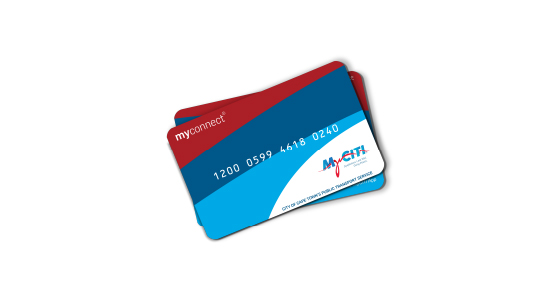
Top up any myconnect card from the comfort of your home or on the go.
Online top-ups usually reflect within 5 minutes but can take up to 24 hours - plan ahead by topping up at least one day in advance. If you need to travel immediately, top up at a station kiosk or participating retailer.
All you need is your myconnect card and a debit/credit card.
1. Enter your myconnect card number, select your Mover package, add your email address for confirmation of your transaction, and click ‘Submit’.
2. You will be directed to a secure payment gateway to complete your transaction by debit/credit card. Once payment is successful, a confirmation message will be displayed.
3. Activate your top-up by tapping your card on a station validator or info terminal. You can also activate your top up on the bus, but it may take up to 24 hours to work.
- You can top up online using any valid myconnect card.
- Online top-ups can be activated at stations within minutes but can take up to 24 hours to be activated on the bus.
- If you do not activate your top up within 30 days, you can only activate it at a station info terminal by tapping your card and following the prompts.
- You need to activate your top up before you are able to load online again.
- Mover points are valid for 3 years. Each time you top up the expiry date of all points on your card is extended by another 3 years.
- Day Passes and Monthly Passes are only available at station kiosks and participating retailers.
- Load any product at a station kiosk for immediate travel.
- If you have an old bank-issued myconnect card, you can also load at any Absa cash-accepting ATM.
PLAN AHEAD, TRAVEL WITH CONFIDENCE
Please allow up to 24 hours for your top up to reflect on your card. It typically activates within 5 minutes when you tap at a station but can take up to one day to activate on the bus. Plan ahead so you always have enough value loaded to travel. If you need to travel immediately, load value at a station kiosk or retailer.